Claude for PowerPoint: How AI Is Changing Presentation Design
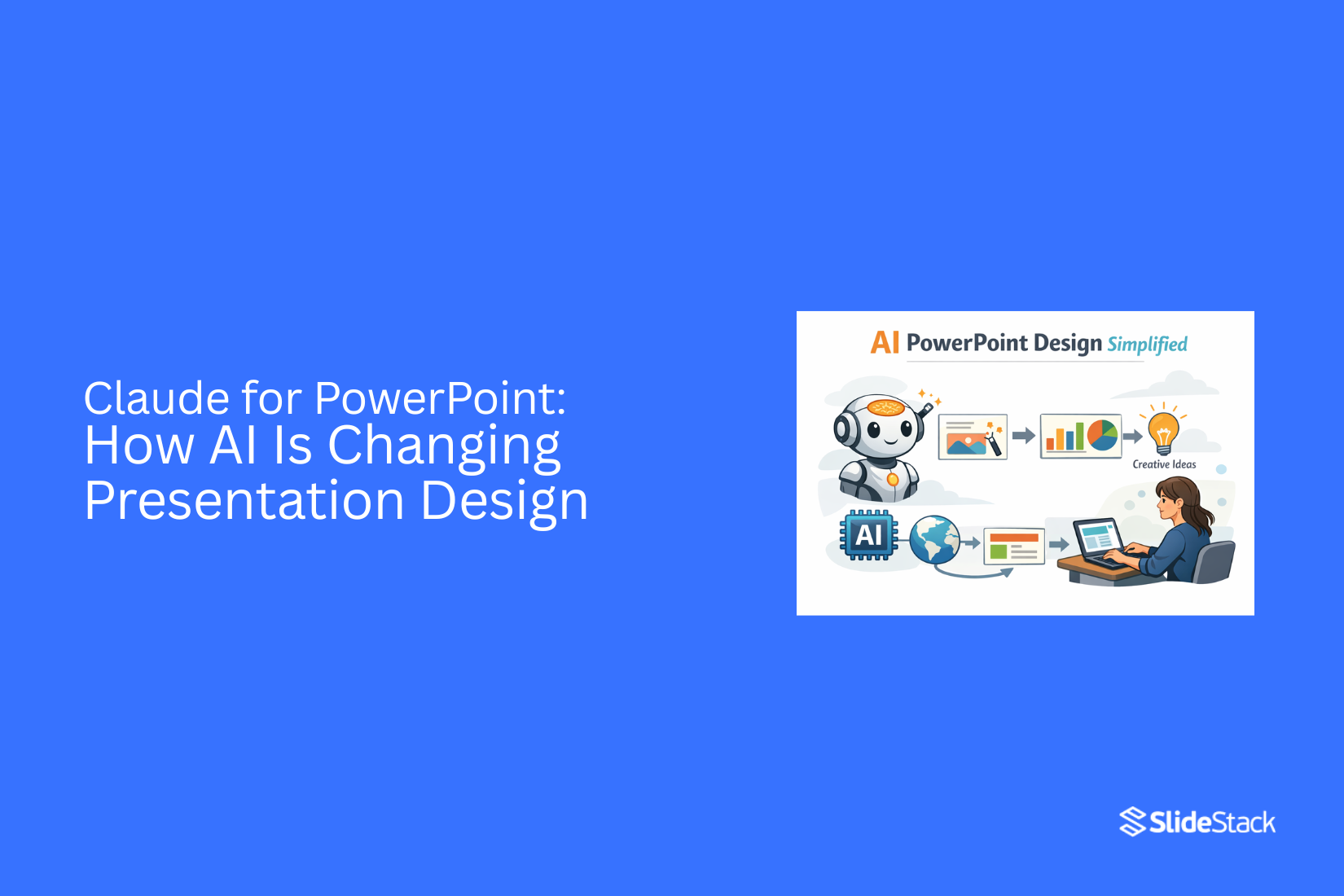
Creating PowerPoint presentations often takes more time than expected. People spend hours shaping content, fixing layouts, and trying to make slides look clear and professional. Many still struggle to turn raw ideas into structured, engaging presentations that hold attention.
This slows down work and affects communication quality across teams and projects. Claude for PowerPoint: How AI Is Changing Presentation Design brings a shift in how this process works. Claude helps turn simple input into structured outlines, clear slide content, and organized storytelling for presentations. It supports faster creation, better structure, and more consistent results without heavy manual effort.
What Is Claude?
Claude is an AI tool that helps with writing and organizing ideas. It works through chat. You give it instructions, and it gives clear text back. It is often used for writing tasks and planning content. It also helps shape raw ideas into structured formats.
Understanding Claude AI
Claude is built to understand natural language. You do not need special commands. You just type what you want. It can respond with explanations, summaries, or structured text. It is often used to break down complex ideas into simple parts. This makes it useful for content creation and planning work.
How Claude Supports Presentation Creation
Claude helps turn rough notes into slide-ready content. It can suggest headings, bullet points, and key ideas. It can also reorder information so it flows better. This helps reduce the time spent writing slide content from scratch. It also helps keep messages clear and focused.
Claude vs Traditional Presentation Workflows
Traditional workflows usually start with manual writing. You gather notes, then build slides one by one. This takes time and repeated editing.
Claude changes that process. It creates a first draft of content quickly. That draft becomes the base for slides. The work shifts from building everything manually to refining and shaping ideas.
How AI Is Transforming Presentation Design
AI is changing how presentations are built from start to finish. It helps with writing, structure, visuals, and design work. The process feels smoother and less time-consuming. People can focus more on ideas and less on slide setup.
Faster Content Creation
AI helps turn ideas into slide text in less time. It can suggest headings, bullet points, and short explanations. This reduces the need to start from a blank page. Work that once took hours now takes minutes. Teams can focus more on message clarity instead of typing everything from scratch.
Slide building used to feel slow and heavy. AI support changes that flow. It gives a starting point that is ready for editing. This keeps the process moving without long delays.
Smarter Presentation Structures
AI helps arrange ideas in a clear order. It can group related points and place them in a logical flow. This makes slides easier to follow for the audience. A strong structure helps people understand the message without confusion.
Instead of guessing the best order, users get a guided layout. Sections become more organized. Each slide connects better to the next one. The story of the presentation feels more stable and direct.
AI-Assisted Visual Storytelling
Visual elements matter in presentations. AI can suggest images, icons, and layout styles that match the topic. This helps the slide look more balanced and clear. It also supports better communication of ideas through visuals.
Text alone can feel flat. Adding visual support makes the message easier to grasp. AI helps match visuals with content so slides feel more connected. The result is a cleaner and more focused presentation style.
Automation in Slide Design
Design work often takes time, especially with spacing, fonts, and alignment. AI can handle many of these tasks. It adjusts layouts so slides look neat and consistent. This reduces manual editing work.
Users can spend less time fixing design details. The system handles structure and spacing in the background. Slides stay uniform from start to finish. This keeps the final presentation clean and easy to read.
Ways Claude Helps With PowerPoint Presentations
Claude helps with different parts of making presentations. It supports planning, writing, and idea development. This makes slide work faster and more organized.
Creating Presentation Outlines
Claude helps structure a presentation before slides are built. It breaks a topic into clear sections. Each section gets a logical order. This helps keep the presentation focused and easy to follow.
Writing Slide Content
Claude can turn ideas into short slide text. It keeps sentences simple and clear. This helps avoid crowded slides. The content stays easy to read during a presentation.
Summarizing Research and Reports
Long reports can be hard to use in slides. Claude shortens them into key points. It keeps only the main information. This helps fit research into a presentation format without overload.
Generating Speaker Notes
Speaker notes help guide what to say during a presentation. Claude can write these notes for each slide. The notes stay simple and direct. This helps with smooth delivery during speaking.
Brainstorming Creative Ideas
Claude can suggest different ways to present a topic. It gives new angles for slides and structure. It also helps with title ideas and layout flow. This supports more varied presentation styles.
Benefits of Using AI for PowerPoint Design
AI changes how slides get made. It reduces manual effort and speeds up the process. It also supports users who have little design experience. This makes presentation work easier for many people.
Saves Time
AI handles many basic slide tasks. It can generate layouts and text faster than manual work. This cuts down hours spent on design. People can finish presentations sooner and focus on content.
Improves Productivity
Work moves faster with AI support. Users can create more slides in less time. It also reduces repeated editing steps. Teams can complete projects with fewer delays.
Helps Non-Designers Create Better Slides
Not everyone has design skills. AI gives structure and layout suggestions. It also helps align text and visuals in a clear way. This allows non-designers to produce clean and readable slides.
Encourages Creative Experimentation
AI gives different design ideas quickly. Users can test new layouts without extra effort. This leads to more variety in slide styles. It supports trying new visual directions without risk or extra cost.
Limitations of AI in Presentation Design
AI helps with slide creation, but it has clear limits. It can speed up basic work and suggest structure. The output still needs review. Small errors or weak phrasing can appear in the final result.
AI Still Requires Human Editing
AI often produces first drafts. These drafts need review and correction. Sentences may feel off or unclear. Some parts may not match the message goal. Human editing brings control over tone, clarity, and flow. Without review, slides can feel unfinished.
Design Quality Depends on Prompts
AI output changes based on input quality. Simple prompts can lead to weak structure or plain layouts. Clear and detailed input leads to better results. The way instructions are written shapes the final slide design. Strong direction leads to more useful output.
AI Cannot Fully Replace Human Creativity
AI follows patterns from data. It does not set the original direction. New ideas and personal style come from people. Human input shapes storytelling, visuals, and message impact. AI supports the process, but it does not replace the thinking behind strong presentation design.
Best Practices for Using Claude With PowerPoint
Claude can help shape slides and content for PowerPoint. Good results come from clear direction and steady review. The quality depends on how you guide the input and adjust the output.
Start With Clear Instructions
Clear direction sets the base for better results. State the topic in simple terms. Add the goal of the presentation. Include the audience type. Keep each point direct.
Short and clear input reduces confusion in the output. It also helps the structure stay focused.
Use Detailed Prompts
Detailed prompts lead to better slide content. Break the request into parts. List the sections you want. Add key points for each slide.
Simple details like tone, length, and focus areas help shape stronger content. The output becomes easier to use in PowerPoint.
Combine AI With Design Tools
AI can handle text and structure. Design tools handle layout and visuals. PowerPoint tools help arrange slides, fonts, and images.
Using both sides creates a balanced result. Content stays clear while design stays clean and organized.
Review and Refine AI Outputs
AI output is a starting point. Review each slide for clarity. Check if the message matches the goal. Adjust wording where needed.
Small edits improve flow and understanding. This step helps turn raw content into a ready presentation.
Claude for Different Presentation Types
Claude AI helps shape content for many kinds of presentations. It supports clear writing and simple structure. Each presentation type needs a different focus. The message, tone, and layout all change based on purpose.
Business Presentations
Business slides need clear points. They also need direct language. Leaders want a quick understanding without extra detail.
Claude can help turn long ideas into short bullet points. It can also shape meeting agendas and project updates. Charts and key facts become easier to explain. The flow stays organized from one idea to the next.
A sales pitch also fits here. Short problem statements work better than long explanations. Claude can help refine those messages so they stay sharp and focused.
Educational Slides
Educational content needs clarity. Students learn better with a simple structure and step-by-step instructions. Claude can break down topics into small parts. Each slide can focus on one idea. Definitions stay short. Examples stay clear. A lesson on science or history becomes easier to follow. Complex topics turn into basic sections that connect naturally. Teachers can also use it to create quiz slides and revision notes.
Marketing Presentations
Marketing slides focus on attention and message clarity. The goal is to explain value in a simple way.
Claude can help shape product stories. It can turn features into clear benefits. It can also refine taglines and campaign messages.
A product launch deck becomes more structured. Each slide can guide the viewer from problem to solution. Visual ideas can also be planned with short descriptions that designers can follow.
Team and Internal Reports
Internal reports need accuracy and structure. Teams rely on them for decisions and updates.
Claude can help organize data into clean sections. Progress updates become easier to read. Task lists can be grouped by priority. Notes from meetings can also be summarized into clear points.
Weekly and monthly reports become less cluttered. Information flows in a steady order. Teams can scan and understand details without extra effort.
The Future of AI in Presentation Design
AI is changing how slides get made. It helps with planning, writing, and layout work. People can finish presentations with less manual effort. The process becomes more direct and organized.
AI-Powered Design Automation
AI can handle repeat design tasks. It can set layouts, choose simple styles, and arrange content on slides. This saves time during early creation. The focus stays on the message instead of formatting work.
Personalized Presentation Creation
AI can adjust slides based on user input. It can shape tone, structure, and wording for different needs. A sales pitch and a class report can look different even with similar tools. Each output fits a specific purpose.
Human Creativity and AI Collaboration
People still guide the ideas and direction. AI supports the structure and basic design work. Humans decide what the story should say and how it should feel. Both work together to build clearer presentations.
Final Notes
Claude changes how presentations get built. It turns rough ideas into clear slide content. It also helps organize, structure, and improve flow. This reduces time spent on early drafting and planning.
AI also shifts how presentation work feels. Slide content becomes faster to produce. Ideas get arranged in a clearer order. Design tasks become easier to manage. The focus moves more toward message clarity and less toward manual setup.
Human input still shapes the final result. Review keeps content accurate and easy to follow. Small edits improve tone and clarity. Strong presentations come from clear direction combined with AI support.
Work with Claude works best with simple instructions and careful review. The result is a smoother process for building presentations that stay clear, structured, and easy to present.
FAQs
What is Claude used for in PowerPoint presentations?
Claude helps turn ideas into slide content. It can create outlines, write short text for slides, and organize information in a clear order.
Does Claude replace PowerPoint design tools?
No. Claude helps with content creation and structure. PowerPoint is still used for layout, visuals, and final slide design.
Can Claude write full presentation slides?
Yes, Claude can draft full slide content. It still needs review and editing before final use in a presentation.
Is Claude helpful for beginners?
Yes. It supports users who do not have design skills. It gives structure, simple text, and clear slide ideas.
Does AI improve presentation quality?
AI helps improve speed and structure. Final quality still depends on human review and editing.


You may also be interested in ...

Tips To Create A Great Infographic
Infographics Have been around for a while, but not many people know about them or are their preferred presentation choice. If...
08 Jun, 2024

3 Steps To Create The Best Presentation...
Presentations are something wonderful when well done, you can captivate an audience or be super interested in what another pe...
23 Jun, 2024

3 Tips For Your Next Presentation You MU...
PowerPoint presentations are perfect for explaining a topic and communicating your ideas with a visual aid. But most people s...
08 Jun, 2024