How to Create a Business Plan Presentation – Step-by-Step Guide
Many people find it hard to turn their business ideas into a clear presentation. Organizing data, showing opportunities, and presenting potential results takes careful planning. A clear guide can make the process straightforward and easy to follow.
This article explains how to create a business plan presentation step by step. You will see how to identify opportunities, design a business model, plan implementation, and evaluate risks. Following these steps helps you deliver a presentation that is professional, easy to understand, and persuasive for investors or stakeholders.
What is a Business Plan Presentation?
A business plan presentation is a visual way to show your business idea. It organizes your plan into slides. These slides help your audience understand your goals, strategy, and expected results quickly.
People often ask why it is different from a regular business presentation. Unlike general presentations, a business plan presentation focuses on the viability of the business. It highlights numbers, strategy, and evidence that support your plan.
Another question is who needs it. Investors, partners, and lenders often request it. They use it to decide if your idea is worth their support.
The best approach is to keep it clear and concise. Show only the key information. Use charts and visuals to explain complex points. Each slide should answer a question your audience might have.
A strong business plan presentation builds confidence. It shows you know your market and can execute your plan. Preparing it carefully increases your chances of gaining support.
Is a Business Plan Presentation the Same as a Business Presentation?
No, they are not the same. A business plan presentation focuses on your business idea, strategy, and financial outlook. A business presentation can cover any topic related to a company, like progress updates or marketing plans.
The main difference is purpose. A business plan presentation aims to secure support, funding, or approval. It relies on data, forecasts, and evidence. A general business presentation informs, trains, or updates an audience without needing proof of viability.
Another difference is the audience. Investors and partners usually see a business plan presentation. Employees, clients, or stakeholders may attend other business presentations.
For more guidance, templates, and examples of business plan presentations can show how to structure slides effectively and highlight key points.
How to Create a Business Plan Presentation
This section lists our recommended content for a successful business plan presentation. We broke it down into four stages that help the presenter build the story behind the business: a- the opportunity and competitive landscape analyzed, b- the business model designed and tested to serve the opportunity, c- the implementation plan of the business model, and d- the financial and economic projections estimated to show the profitability of the opportunity.
So, how do you make a business plan presentation? Let’s go through a step-by-step guide.
Stage 1 – Identifying the Opportunity
The first step in creating a business plan presentation is spotting the opportunity. This stage helps you understand why your idea matters and how it fits in the market. It sets the stage for every slide that follows and gives your audience a clear sense of your plan’s foundation.
Executive Summary
Start with a concise overview. Summarize your business idea, the problem it solves, and your proposed solution. Keep it short and clear. Use bullet points or a small table to show the core elements: what the business is, who it serves, and why it matters. A strong executive summary gives your audience context without overloading them.
Justification of the Business Proposal
Explain why this idea is worth pursuing. Focus on evidence, not opinion. You can highlight market gaps, customer pain points, or unmet needs. Use data or short case examples to show that your solution addresses a real problem. Think of this section as the reason your audience should care.
SWOT Analysis
Break down your strengths, weaknesses, opportunities, and threats. Keep each point brief and specific. For example, strengths could include a skilled team or unique product features. Weaknesses might be limited funding or new market entry. Opportunities often come from trends, while threats may include competition or regulatory challenges. Use a simple 2x2 table for clarity.
The Niche of the Proposal & Actors in the Industry
Identify your target market segment and the main players. Define your niche clearly. Who are your potential customers? Which organizations, suppliers, or partners are involved? Highlight what makes your niche distinct and why your business can serve it effectively.
Competitors
List key competitors and what they offer. Focus on their strengths and weaknesses compared to your business. Present this in a table or chart for easy reference. Keep descriptions objective and factual.
Competitive Intensity
Assess how strong the competition is. Are there many companies offering similar solutions, or is the market lightly contested? Note barriers to entry and customer loyalty. This helps your audience see the challenge and opportunity your business faces.
Trend Analysis and Critical Variables
Identify current trends that affect your market. These could include technology, consumer behavior, or regulations. Highlight variables that could impact success, such as pricing, distribution channels, or supplier reliability. Simple graphs or bullet points can make these trends easy to follow.
Value Chain
Map the steps needed to deliver your product or service. Show how each part adds value, from production to customer delivery. Include suppliers, internal operations, and channels. A clear diagram helps your audience understand how your business creates value.
Market Analysis
Detail the size, growth, and characteristics of your target market. Include demographics, spending habits, and customer needs. Use charts to present numbers clearly. This section shows that your business is grounded in a real and measurable opportunity.
Jobs-to-be-Done
Focus on the tasks your customers need completed. Explain how your product or service helps them achieve these goals. This perspective keeps your presentation customer-centered. Use short examples to illustrate real-world applications.
Stage 2 – Business Model
To describe the Business Model in your Business Plan Presentation, use the Business Model Canvas as your main analysis tool. Display your design in one slide.
For certain sections of the canvas, you can add extra slides to show more details. In our experience, the following sections need a deeper explanation.
Segments
List the Segments targeted in your Business Model. You can include a slide with additional information, such as segment size. Reference your earlier Market Analysis to justify your selection or highlight any pivots applied.
Value Proposition
Explain why your Value Proposition serves the segments you selected. You can use the Value Proposition Canvas to show the logic behind your choice.
The Value Proposition shows the main benefit your product or service offers and why customers would choose it over other options. Since you have already analyzed the market and potential buyers, now focus on delivering that value using your best assets, like customer testimonials, survey data, or reports.
For established brands, testimonials carry the most weight. Present them in a narrative that shows how your product or service positively impacted the customer’s life. Visual aids or testimonial templates can help make this clear and engaging.
Revenue Streams
Explain how much customers will pay for your product or service. This shows the business’s viability and profitability. Include pricing models and engagement terms for each segment.
The Income Model outlines the sources of revenue. Established businesses can tie this to a pricing strategy. Lean startups can focus on the minimum viable product (MVP) and later show projections for future income streams.
Revenue sources may include:
• Product Sales
• Subscription Model
• Freemium Model
• Partnerships with other brands in different niches
• Advertising and Sponsorships
• Monetization
Use revenue stream templates to make this information easy to read and visually appealing.
Cost Structure
Break down your main cost categories and link them to the Value Chain explained earlier. Include a chart showing how each cost contributes to total expenses.
This step can be complex, so check a Cost Structure guide to help condense all information into a single slide.
Distribution Channels
Introduce your Distribution Channels briefly. They will appear again in the Distribution Plan. In some industries, it is important to explain why certain channels were chosen to support revenue and efficiency.
A Distribution Channels PowerPoint Template is a good resource for presenting this clearly.
Key Partnerships for the Business Model
List your strategic partnerships. Show which resources you share with partners, such as expertise, technology, distribution channels, or capital. These partnerships can affect your cost structure and overall business success.
Use a Business Partnership PowerPoint Template to present this information professionally.
Stage 3 – Implementation
The business plan focuses on delivering a product, a service, or a combination of both. At this stage, the presentation explains how the organization will build and deliver the product or service while implementing the business model outlined earlier.
Organizational Structure & Management
Describe how the company operates regarding human capital and roles. Presenters should explain the hierarchy, responsibilities, and how each role contributes to the value chain.
Use organizational charts to show roles and responsibilities visually. Highlight the management team’s experience and expertise to build trust with the audience.
HR Plan
The Human Resource Plan should cover recruitment, training, and onboarding. Identify the talent required and how teams will be built according to the organizational structure. Include timelines or stages for hiring and training if possible.
Go To Market and Marketing Plan
Explain the Go To Market Strategy and how the business will enter the market and overcome early barriers. Limit the Marketing Plan to 1-2 slides that summarize tactics to increase brand awareness and the channels selected for the strategy.
Marketing Plan templates can help you focus on content instead of creating complex charts from scratch.
Sales Plan
Describe the full sales process, including lead generation, customer nurturing, and conversion strategies.
Use sales templates to visually illustrate the process. For example, a Sales Pipeline slide can show the journey from lead acquisition to closing a deal. Reference guides on sales planning to strengthen the content.
Development Plan, QA, and Continuous Improvement Model
Present the product or service development plan, quality assurance processes, and your approach to continuous improvement. This can include feedback from customers, user cases, or lessons learned from competitors.
Distribution Plan
Explain logistics, supply chain, and fulfillment strategies. Show how each distribution channel contributes to revenue. One slide can summarize your approach, including:
• Direct Sales (physical store or e-commerce)
• Retail Partnerships
• Wholesalers or Distributors
• E-Commerce Marketplaces
• B2B Sales
Franchises
Inventory Management
Inventory management depends on your industry. Traditional businesses should show how stock is handled to reduce transportation costs or overproduction. Include quarterly projections and factor in seasonal demand.
E-commerce companies should present online infrastructure, product availability, ticket handling for customers, server costs, and measures to prevent online leaks.
Stage 4 – ROI and Risk Evaluation
This section will outline the Financial Plan of your Business.
Initial Funding and Financing Structure
Show the financial structure, including equity, debt, and potential investors, at the start of the business. The initial funding slide should summarize these points, emphasizing the funding needs.
Cash flow diagrams, comparison charts, and timeline templates can show when funds are used to reach each milestone. These visuals make it easier for the audience to follow the plan.
Projection of Income and Costs
Present income and expense projections over a set time period using graphs or charts. This helps visualize trends clearly.
Break down revenue sources with icons for product sales, subscriptions, advertisements, affiliates, or other income streams. Sales estimates should be realistic and conservative. Compare these numbers to production, marketing, administrative, and personnel costs to calculate gross profit margins.
Evaluation of Projected Return vs. Required
Show the feasibility of your business plan. Start with profit margins based on projected income and expenses, then include a break-even analysis.
Include ROI calculations and compare them with industry benchmarks. This shows how the plan’s ROI matches the expected risk level and makes your financial case stronger.
Risk Evaluation
Present risks and how to manage them.
Use risk management templates like the ROAM framework to organize risks by severity and impact. Pyramid diagrams can show how risk management is assigned across the organization.
Focus on regulatory changes, market shifts, competitors, and financial crises. Highlight mitigation strategies to show preparedness.
Sensitivity to Critical Variables
Summarize how key variables affect projected returns. Examples include increases in raw material costs, pandemics affecting workforce capacity, or geopolitical events.
Use scenario analysis to present best-case, worst-case, and most likely outcomes. This gives a complete picture of how the organization can handle contingencies.
How to present Bibliographical information in a Business Plan Presentation
An often overlooked point in a business plan presentation comes when listing the bibliographical information used to create the business plan. Follow these steps to make this slide or section professional and clear.
Use a title like: “Bibliography,” “Source Credits,” or “References.” If your business plan cites examples from other companies, include a “Works Cited” section.
References are usually shown in APA style, but MLA or Chicago style can be used depending on your location or situation.
Keep the style consistent across the entire slide deck. Use the same reference style, font, text size, and formatting. Footnotes or in-text citations can highlight important data.
Mention your sources verbally when needed during the presentation. This shows respect for others’ work and strengthens your credibility instead of just showing a slide full of text.
How to deliver a Business Plan Presentation
This section will cover the most commonly asked questions on delivering a business plan presentation.
How many slides should my business plan presentation list?
This will depend on your niche and the complexity of the business plan. Generally, work with at least 15 slides and no more than 30. It is better to add an extra slide than overcrowd an existing one with too much information. Each slide should focus on a single idea.
What is the best format to present a business plan?
There are different ways to present a business plan, so the choice mostly depends on your style and the audience’s interests.
PowerPoint Presentation: Start from a blank slide or use a professionally designed template. PowerPoint allows images, text, videos, and graphics to explain the ideas behind the business plan. It works on PCs, Macs, and mobile devices.
PDF Documents: A PDF is quick to share and keeps formatting intact. Make sure fonts are embedded to avoid compatibility issues.
Pitch Deck: A pitch deck keeps the presentation concise, usually no more than 15 slides. This format works well for investors who want a clear overview.
Video Presentation: Videos can be useful if you need to show a product in action or introduce the team. This format works best when visuals explain things better than words alone.
Are printables required in business plan presentations?
Printables are not required, but they can help. Reference materials like charts or graphs give more detail without crowding slides.
Printables show professionalism and respect for the audience. Make sure to link them to the relevant slide for clarity.
What are the don’ts of writing a business plan?
Common errors that reduce presentation effectiveness include:
• Using overcomplicated language: Avoid jargon and unnecessary acronyms. Some audience members may not know industry terms.
• Ignoring the audience: Investors, partners, and team members have different interests. Tailor content to each group.
• Neglecting competitors: Address existing competitors and potential new players. Ignoring this leaves the plan incomplete.
• Ignoring risk assessment: Include risks and strategies to manage them. Investors and teams expect this.
How long should the business plan presentation be?
Aim for 20 to 30 minutes. Complex plans may take longer, but keep the presentation focused. Leave time for questions and discussion.
Does the presentation need to be tailored to different audiences?
Yes. Tailoring helps communicate effectively. Focus on what matters most to each group.
In-Company Presentation
Focus on team goals and strategies. Show how each member contributes to the bigger picture. Include any new tools or processes needed for the plan and guide the team on how to use them.
Board Meeting
Highlight strategic goals, financial projections, and KPIs. Show alignment with the company’s values, mission, and long-term plan. Keep the focus on decisions that require board input.
Potential Investors
Emphasize your unique value proposition, market opportunity, and potential ROI. Show financial projections and growth strategy. Explain why your product or service is better than competitors. Include a brief competitive analysis.
Common Mistakes to Avoid in a Business Plan Presentation
Overloading Slides with Information
Slides crowded with text or data make it hard for the audience to focus. Too much content can overwhelm viewers and dilute the key points. Keep each slide focused on a single message, using visuals or bullet points to communicate ideas efficiently.
Ignoring Audience Needs and Expectations
A presentation that doesn’t consider the audience risks losing engagement. Tailor your content to what the viewers care about most. Think about their background, knowledge level, and priorities, and address questions or concerns they are likely to have.
Failing to Tell a Cohesive Story
Without a clear narrative, a presentation can feel disjointed. Each section should connect logically, guiding the audience through the problem, solution, and benefits. Linking ideas naturally ensures your message is memorable and persuasive.
Using Weak or Outdated Data
Data is only valuable if it is accurate and current. Relying on old or unverified information can undermine credibility. Always verify sources and highlight metrics that directly support your main points.
Poor Visual Design or Formatting
Slides that are cluttered, inconsistent, or hard to read distract from the message. Consistent fonts, colors, and layout help the audience focus. Use charts, images, and spacing deliberately to make the content clear and visually engaging.
Tips for Making Your Business Plan Presentation Stand Out
Crafting a Compelling Executive Summary
Start with a short, clear overview of your business idea. Focus on the main problem you solve and how your solution works. Keep it simple and direct so the audience quickly understands your purpose.
Highlighting Unique Value Propositions Clearly
Show what makes your business different from competitors. Use concrete examples or numbers. Avoid vague statements. Make it obvious why someone should choose your product or service.
Using Visuals and Charts Strategically
Visuals help the audience understand data quickly. Use charts to show trends, comparisons, or growth potential. Keep slides clean and uncluttered. Each visual should support your key point, not distract from it.
Incorporating Social Proof and Testimonials
Include short quotes or examples from customers, partners, or industry experts. These build credibility and show that others trust your business. Use only relevant proof that strengthens your message.
Practicing Delivery and Engaging the Audience
Rehearse your presentation until you are confident. Speak clearly and at a steady pace. Make eye contact, pause to emphasize points, and respond naturally to audience reactions. Engagement makes your presentation memorable.
Featured Business Plan Presentation Templates
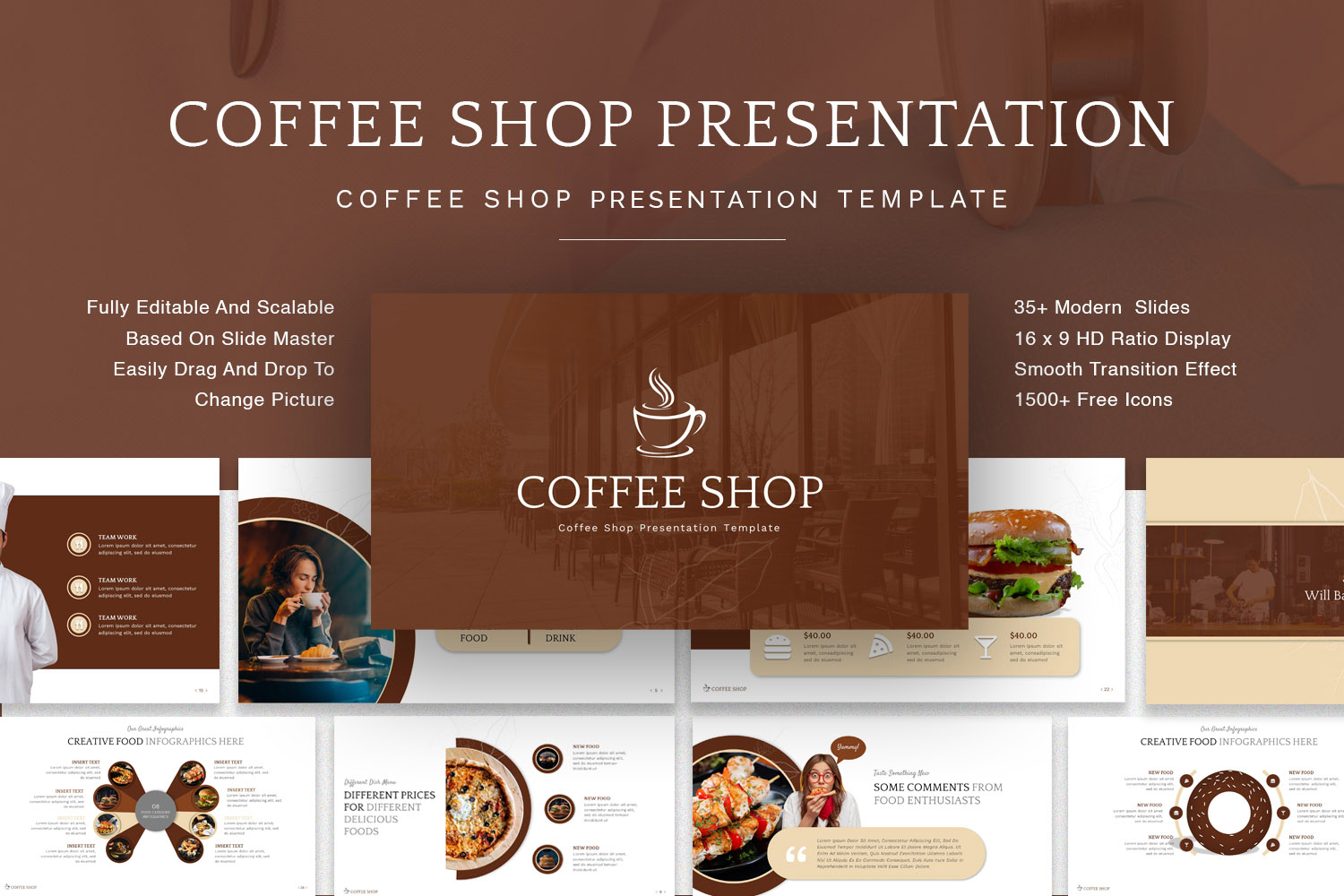
Coffee Shop Illustration Business Plan Slides
Create your new business plan presentation with high-quality vector illustrations for coffee shops. Perfect for cafeterias, coffee bars, barista gift shops, bookshops, and similar businesses. These slides make it simple to show your concept clearly.
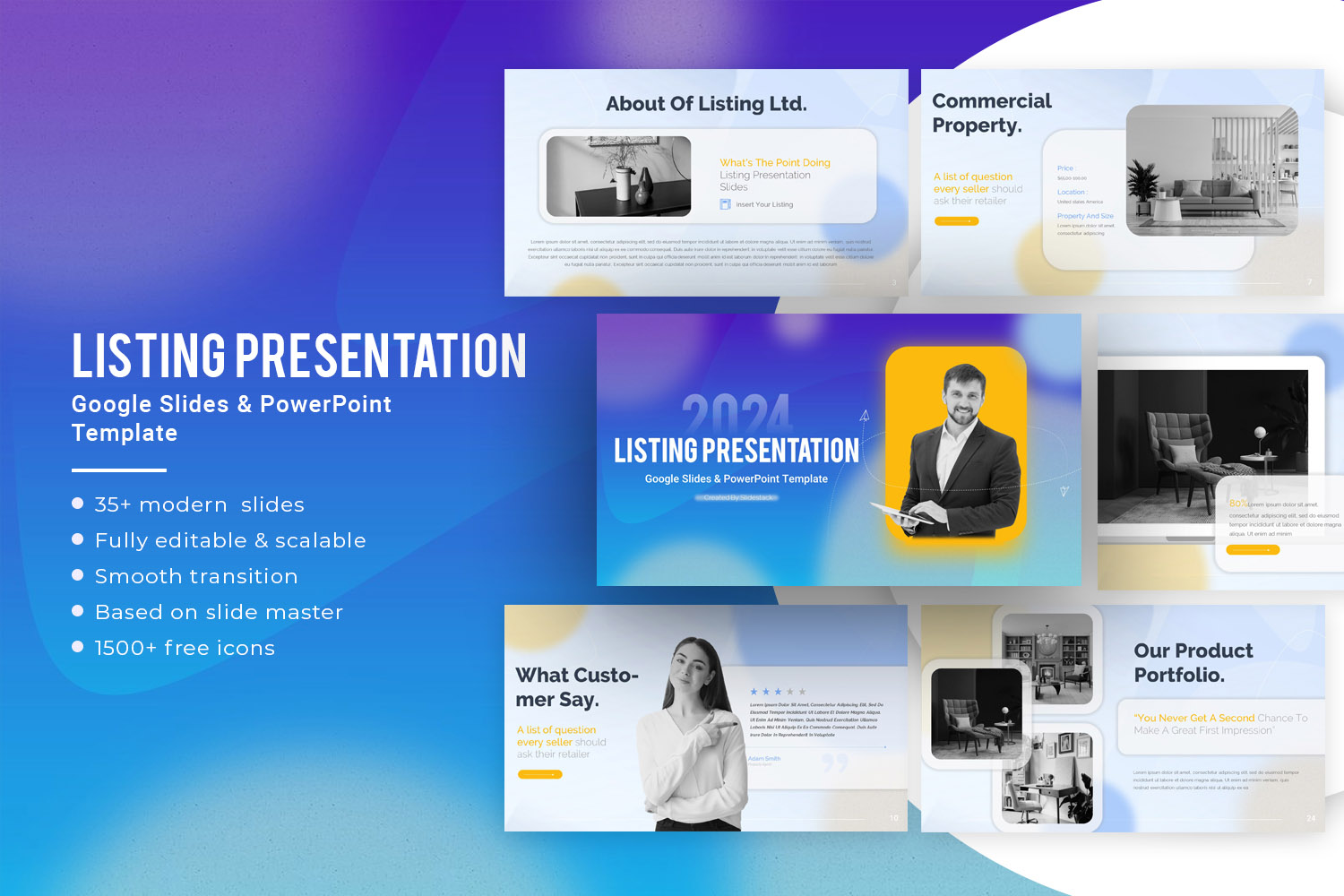
Real Estate Business Plan PowerPoint Template
This template is made for realtors starting their own agencies. It includes vector illustrations that show each step a buyer takes, from contacting an agent to purchasing a property. Colorful, editable charts and graphs make it easy to match your branding.
Restaurant Business Model PowerPoint Template
Use these slides to present restaurant operations in a clear and professional way. Vector images show typical activities, helping your team understand your plan faster. These designs save time while keeping presentations polished.
One Pager Business Plan PowerPoint
Summarize your business plan quickly with this one-page slide. Ideal for team discussions or giving an overview of your business status and growth opportunities. Keep notes and key points organized in one clear layout.
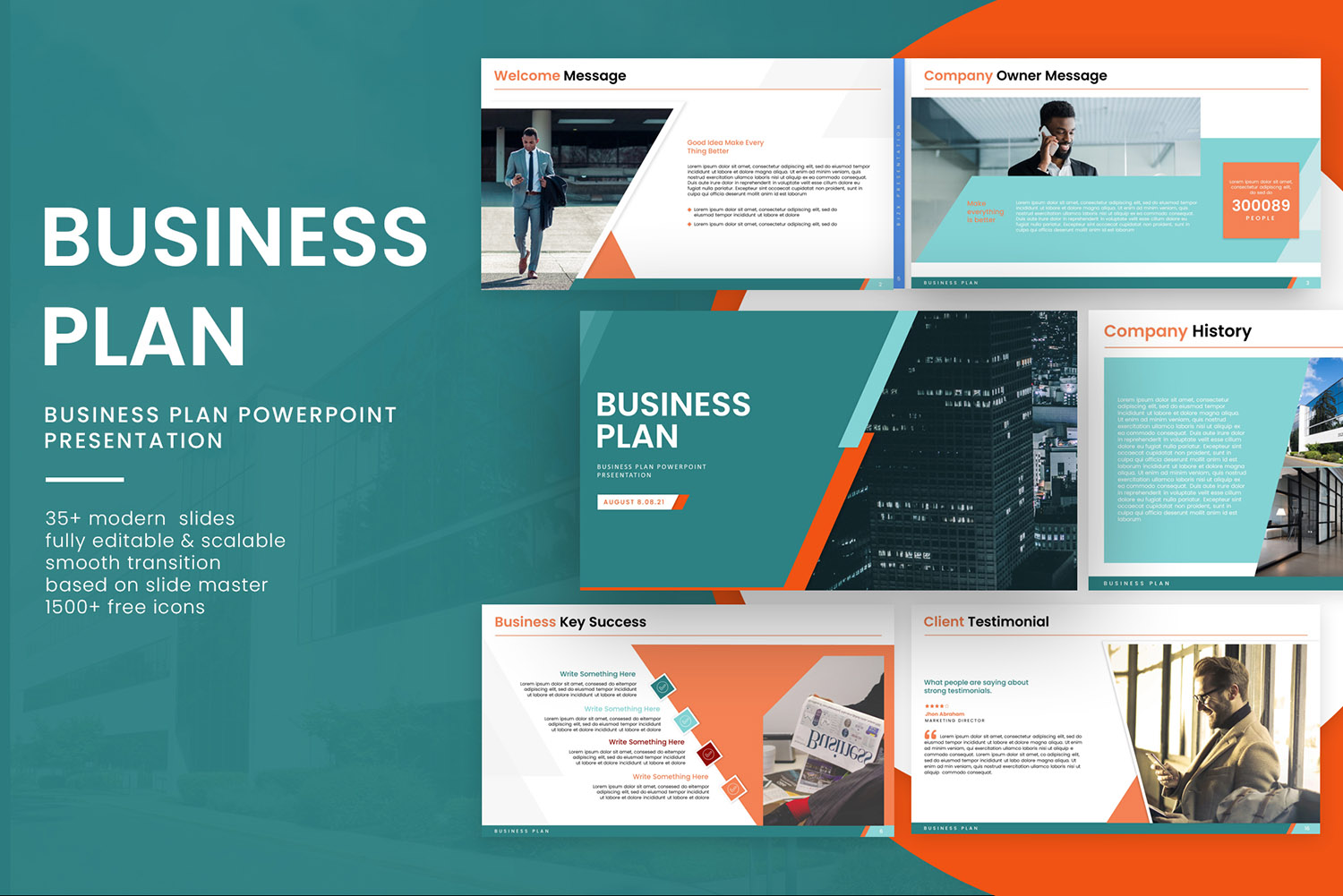
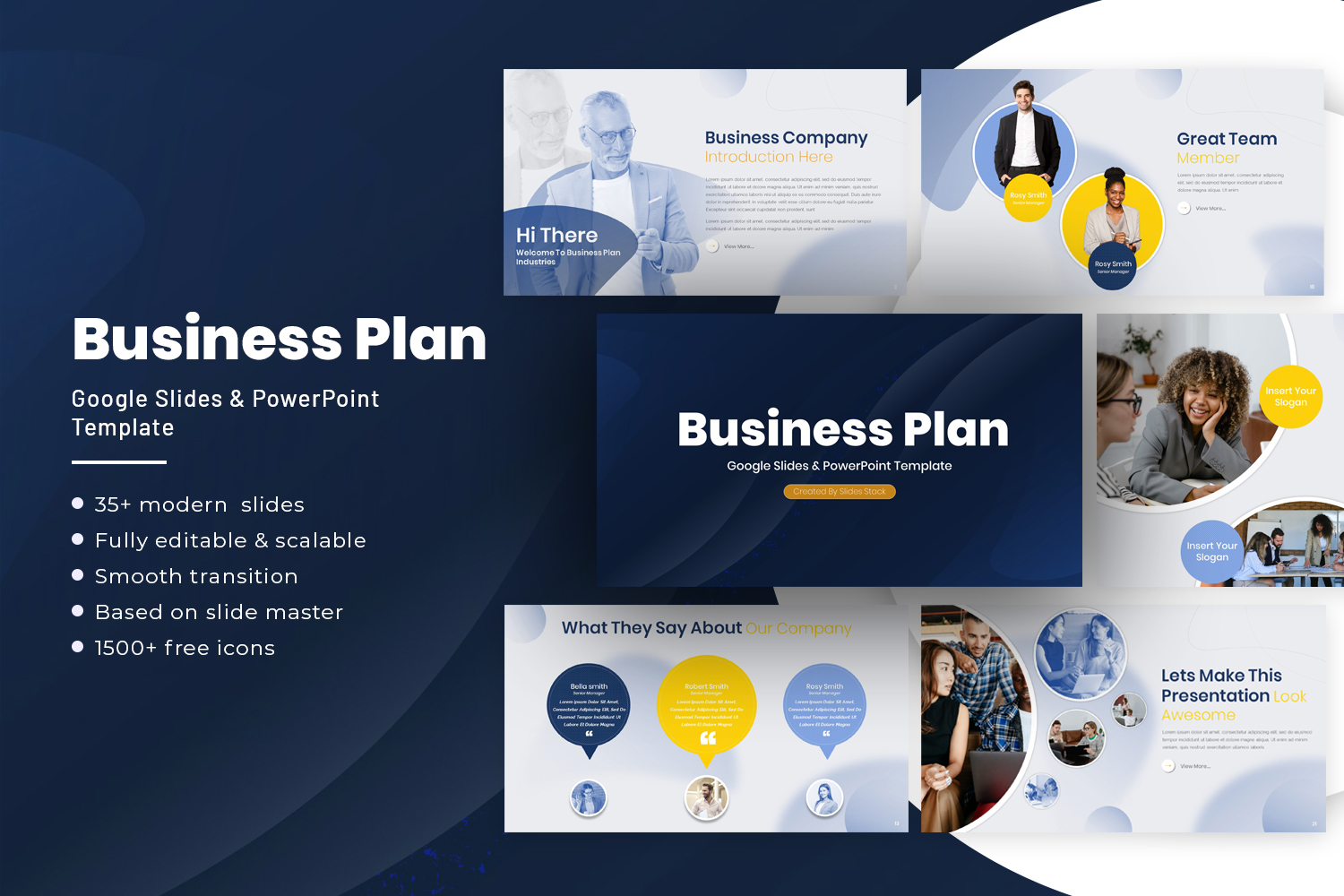
Business Plan PowerPoint Templates
This template includes all the elements you need to create a full business plan presentation. Add your data and prepare a professional presentation that guides your audience through your ideas.
Flat Bold Business Plan PowerPoint Template
A minimalistic template designed to balance formal slides with strong visual impact. Use it to keep your audience engaged and help them remember key points. It works for any business looking to make a strong impression.
Car Dealership Business Plan PowerPoint Template
Plan your car-sharing service with these vector illustrations. Slides show your business model clearly, including graphics that explain operations to investors. Ideal for pitching Uber-like or carpooling services.
Beauty Salon Business Plan PowerPoint Template
Designed for beauty salons and businesses targeting women, this template uses chic design and bold colors. It includes tools like pricing lists to showcase subscription or service models and help communicate total value to clients.
CrossFit Business Plan PowerPoint Template
This slide deck includes gym and fitness vector illustrations. Perfect for new gyms or CrossFit academies. Each slide uses visuals like human-shaped graphs to highlight KPIs and core business ideas clearly.
Final Thoughts
Every well-prepared business presentation begins with clear goals and the right tools. Staying concise keeps your audience focused and ensures your message lands. Following a structured approach helps you communicate your plan with confidence and clarity. Each slide should serve a purpose, supporting the story of your business. By applying these principles, you strengthen your ability to share ideas that matter and guide decisions. Next, practical examples and ready-to-use templates can show how to put these strategies into action, making your presentations more effective and actionable.
FAQs:
What is an executive summary in a business plan presentation?
An executive summary is a brief overview of your business plan. It highlights the key points, like the business idea, goals, and expected outcomes, so the audience quickly understands the proposal. Keep it short and focused.
What’s the difference between a business plan presentation and a general business presentation?
A business plan presentation outlines a detailed plan for starting or growing a business. A general business presentation may cover updates, ideas, or reports but does not require the same depth of planning or financial details.
What should be included in a risk evaluation slide of a business plan?
Include the main risks your business could face, such as market changes, competition, or operational challenges. Briefly describe how you plan to manage each risk to show you are prepared.
How do I structure my slides for clarity in a business plan presentation?
Start with an introduction, follow with the problem, solution, market, and financials, and end with a conclusion. Use headings, bullet points, and consistent visuals to make information easy to follow.
What is the ideal number of visuals to include on each slide?
One to three visuals per slide usually works best. Each visual should support your message and not clutter the slide.
How can I make complex financial data easy to understand?
Use charts, graphs, and simple labels to break down numbers. Highlight key trends and avoid showing every detail at once.
Should I include competitor case studies in my presentation?
Yes, but only if they help explain your strategy or market position. Focus on relevant lessons or differences that show why your business can succeed.
How do I keep my audience engaged during a longer presentation?
Mix visuals and stories with key points, ask questions, and vary your pace. Break sections into clear segments so the audience can follow along without feeling overwhelmed.
What types of charts work best for market analysis slides?
Bar charts, line charts, and pie charts are most effective. They make comparisons and trends easy to see at a glance.
How much detail should I give on my product or service features?
Focus on the features that solve the problem or add value. Avoid listing every minor feature—highlight what matters most to the audience.
How do I present potential risks without alarming investors?
Be honest but concise. Pair each risk with a clear plan or strategy to manage it, showing that you have considered solutions.
What is the best way to show projected revenue growth?
Use a simple chart that shows growth over time. Highlight key milestones or assumptions so the audience can follow the numbers.
How can I adapt my presentation for different types of investors?
Focus on what matters to each type. Some investors prioritize financial returns, while others care about impact or market potential. Adjust your examples and emphasis accordingly.


You may also be interested in ...

Tips To Create A Great Infographic
Infographics Have been around for a while, but not many people know about them or are their preferred presentation choice. If...
08 Jun, 2024

3 Steps To Create The Best Presentation...
Presentations are something wonderful when well done, you can captivate an audience or be super interested in what another pe...
23 Jun, 2024

3 Tips For Your Next Presentation You MU...
PowerPoint presentations are perfect for explaining a topic and communicating your ideas with a visual aid. But most people s...
08 Jun, 2024