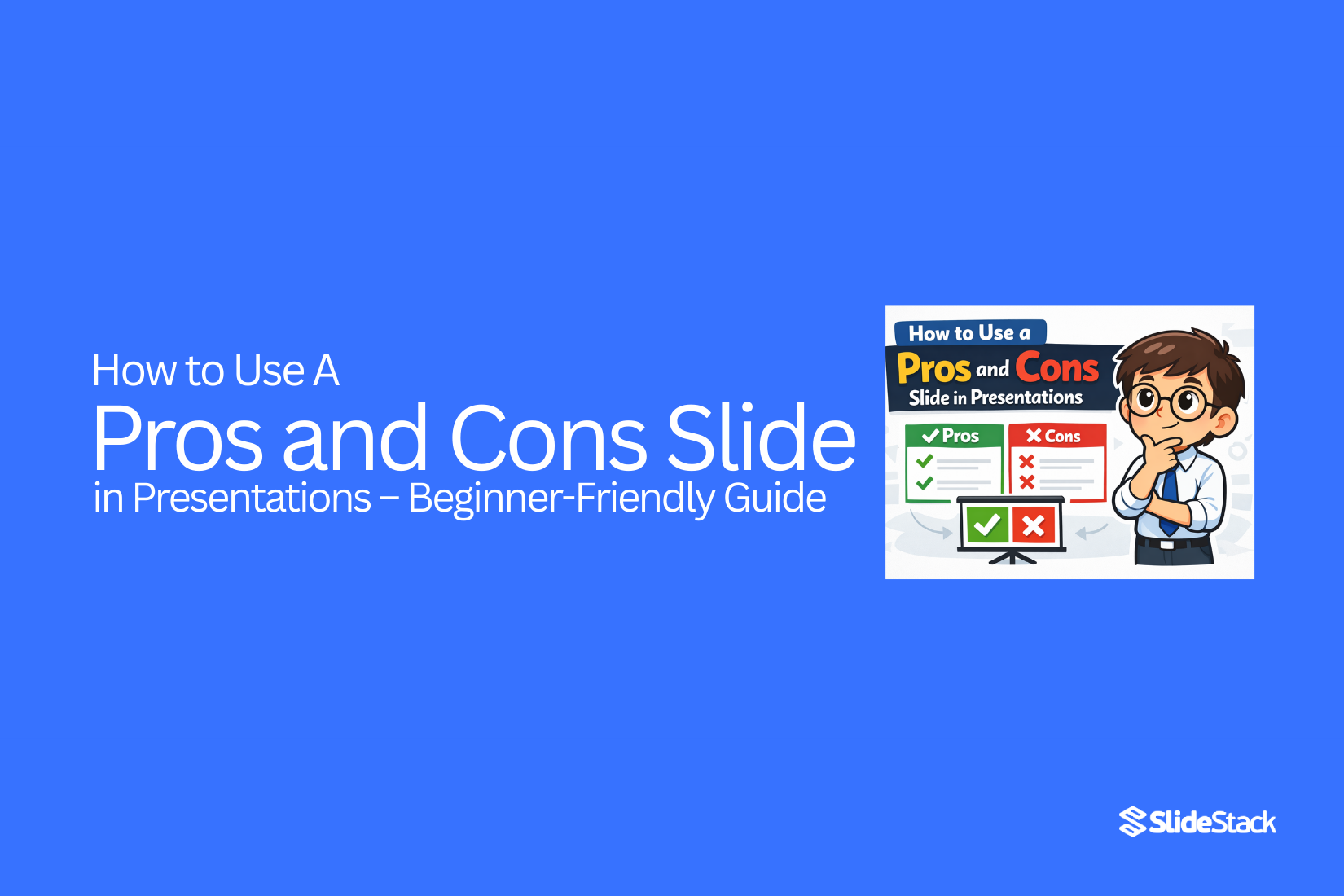
How to Use a Pros and Cons Slide in Presentations – Beginner-Friendly Guide
Home appliances make life easier, but breakdowns can quickly become a headache. Minor issues often lead to costly repairs if ignored, and hiring professionals for every problem can strain your budget. One way to take control is by learning simple DIY fixes.
These DIY appliance repair hacks go beyond basic tips. They show practical steps to address common issues safely and effectively, helping you save hundreds of dollars. In this guide, we’ll walk through easy techniques for everyday home fixes, highlight the tools you need, and explain how small efforts can prevent bigger problems down the line.
What is a Pros and Cons Slide?
A pros and cons slide is a type of presentation slide that organizes information into two columns. One column lists the advantages or benefits of a topic, idea, or decision, while the other lists the disadvantages or drawbacks. Visually, it often uses bullet points, tables, or simple lists to make the comparison clear. This layout allows audiences to see both sides of an issue at a glance, providing a structured way to present balanced information.
The main purpose of a pros and cons slide is to support clear thinking and informed decision-making. It helps presenters summarize complex information in a simple format. Professionals use this slide in meetings, reports, and educational settings to weigh options before reaching a conclusion. For example, a project manager might use it to compare two software tools, listing cost, features, and ease of use. In a classroom, a teacher could use it to discuss the benefits and limitations of a historical event or scientific method. The slide can also guide discussions, making it easier for groups to reach consensus.
What sets a pros and cons slide apart is its focus on comparative analysis rather than descriptive content. Unlike standard informational slides, it encourages critical thinking by presenting both sides equally. Its design prioritizes clarity and simplicity, helping the audience evaluate options quickly. The slide is purpose-driven, highlighting the most relevant points rather than providing exhaustive details. By visually separating positive and negative aspects, it maintains audience focus and supports structured discussion.
Benefits of Using a Pros and Cons Slide
A pros and cons slide helps audiences quickly understand complex information. It organizes ideas clearly and allows presenters to highlight key points efficiently.
Visual Clarity
A pros and cons slide makes information easy to read and digest. Breaking points into positive and negative columns helps the audience see the contrast at a glance. Visual cues, such as icons, color codes, or infographics, can further guide attention. For instance, in a product review meeting, team members can instantly identify strengths and weaknesses without sifting through paragraphs of text. This approach reduces confusion and ensures the message is clear.
Time Efficiency
Presenters save time by summarizing information in a single slide. Instead of explaining every detail, they can focus on discussion and decision-making. In workshops or training sessions, a well-structured pros and cons slide allows participants to grasp key points quickly. Visual hierarchies, such as bullet points or side-by-side boxes, keep the audience engaged and prevent long explanations from slowing the meeting.
Improved Decision-Making
A clear layout of pros and cons supports informed choices. When evaluating options, stakeholders can compare benefits and drawbacks directly. For example, during investor pitches, showing a side-by-side analysis of different strategies helps investors see the risks and potential returns clearly. This transparency builds confidence in the presenter’s reasoning.
Enhanced Engagement
Using a pros and cons slide encourages audience interaction. People can discuss points, ask questions, or add their observations. Adding visual elements like charts or simple icons makes the slide more appealing and easier to follow. In classroom settings or team meetings, this encourages participation and keeps the discussion active.
Builds Credibility and Trust
Presenting both advantages and disadvantages demonstrates honesty and thoroughness. Audiences appreciate when information is balanced, which strengthens trust in the presenter. In professional contexts, such as board meetings or client presentations, this approach signals careful analysis and reliability.
Limitations of Pros and Cons Slides
Pros and cons slides are useful, but they have limits. They can make decisions seem simpler than they are. Knowing these limits helps you use the slides more wisely.
Oversimplification
Pros and cons slides reduce complex topics to simple lists. Many details get left out. Some effects may take time to appear and may not fit neatly under “pro” or “con.” This can make the issue seem clearer than it really is, which may lead to decisions based on partial information.
Balance Issues
Presenters may unintentionally favor one side. The slide might show more pros than cons, or vice versa. This bias can shape how an audience sees the topic. Without careful attention, the slide can give an unfair impression.
Topic Suitability
Not all topics fit this format. Subjects that are subjective, abstract, or philosophical may not be captured well in a pros and cons list. Forcing them into this structure can oversimplify or misrepresent the discussion.
Each of these limitations shows why it is important to use pros and cons slides carefully. Being aware of oversimplification, balance issues, and topic fit helps you present information more clearly and responsibly.
How to Create a Pros and Cons Slide
Creating a clear pros and cons slide helps your audience understand information quickly. It can guide decisions, support discussions, or show key facts. Follow these steps to make a slide that works well.
Define the Objective
Start by deciding what you want the slide to do. Are you helping people make a choice? Showing research results? Or leading a discussion? Knowing the purpose helps you decide what content to include and how to organize it.
Choose a Visual Structure
The layout matters. A two-column format with pros on one side and cons on the other is easy to read. You can also use circular layouts or simple icons to make points more visual. Keep headers clear, and use short, direct phrases for each point. This makes it easy for the audience to scan and understand.
Design and Formatting
Visual clarity is key. Use bold headers to separate sections. Keep text short and avoid clutter. White space around points makes the slide easier to read. Align text neatly and use simple fonts. A clean design lets your audience focus on the content, not the style.
Color Considerations
Colors can highlight differences. Green often works for pros, red for cons. Make sure colors are easy to see for everyone, including those with color vision differences. Avoid too many colors that distract. The goal is clarity, not decoration.
Enhancements and Alternatives
Icons or small illustrations can support your points. Vectors or simple graphics add context without adding clutter. If you have detailed data, you might turn your slide into a small infographic. This keeps information readable while making it more engaging.
Examples of Pros and Cons Slides
Showing examples helps readers see how pros and cons slides work in real situations. These templates fit both PowerPoint and Google Slides. They make it easier to organize ideas clearly and guide decisions.
Business: Switching to a Subscription Model
Topic: Switching to a Subscription-Based Revenue Model
Pros:
• Recurring revenue provides steady cash flow. This helps with planning budgets and investments.
• Customers stay longer because they keep receiving value.
• Data from subscriptions helps identify popular products or services.
Cons:
• Setup can be costly, including software and billing systems.
• Some customers may resist recurring charges.
• Adjusting pricing requires careful analysis to avoid losses.
Corporate: Implementing Remote Work Policy
Topic: Implementing a Hybrid Work Policy
Pros:
• Employees gain flexibility, which can increase satisfaction.
• Reduced office costs save money on utilities and rent.
• Access to a wider talent pool from different regions.
Cons:
• Communication can be harder without face-to-face interaction.
• Tracking productivity requires new tools or processes.
• Some staff may feel isolated or disconnected from the team.
Real Estate: Upgrading Property Management Software
Topic: Investing in Urban vs. Suburban Properties
Pros:
• Streamlined operations reduce time spent on manual tasks.
• Better reporting improves decision-making.
• Easier to track tenant requests and payments.
Cons:
• Software costs can be high for smaller companies.
• Training staff takes time and effort.
• Some features may not fit every property type.
Educational Pros and Cons Slide
Topic: Adopting AI-Powered Tools in Classrooms
Pros:
• Tailors learning for each student.
• Reduces teacher workload with automation.
• Offers real-time performance tracking.
Cons:
• May widen gaps in digital skills.
• Raising data privacy and ethics concerns.
• Risk of relying too much on technology over human interaction.
Startup Pitch Pros and Cons Slide
Topic: Entering a Saturated Market with a Niche Product
Pros:
• Market demand and customer patterns are clear.
• Allows differentiation through focused value.
• Can capture underserved market segments.
Cons:
• High competition and marketing costs.
• Brand visibility is difficult to achieve.
• Loyal customers may stick with existing competitors.
Healthcare Policy Pros and Cons Slide
Topic: Mandatory Vaccination for Healthcare Workers
Pros:
• Reduces transmission risk in clinics.
• Protects patients with weaker immune systems.
• Builds public trust in healthcare services.
Cons:
• Legal and ethical challenges may arise.
• Some staff may refuse, creating shortages.
• Policy may face public backlash or politicization.
Final Words
Using a pros and cons slide can make complex information easier to understand. It helps the audience see both sides clearly. This clarity encourages better discussions and supports more informed decisions. Presenters can engage viewers and guide them through the reasoning process without confusion.
These slides are versatile. They work for stakeholders, students, or any audience that benefits from balanced information. They can be used in meetings, lessons, or presentations to highlight key points quickly and effectively.
At the same time, it is important to avoid misuse. Oversimplifying ideas or showing bias can reduce the slide’s value. Poorly structured slides may confuse rather than inform. Being thoughtful about content and presentation keeps the slide useful and credible.
When designed carefully, a pros and cons slide becomes more than just a visual tool. It encourages clarity, supports engagement, and strengthens the presenter’s credibility. Using it wisely ensures that the audience gains clear insights and can make decisions with confidence.
FAQs:
How many points should I list in a slide pros and cons format?
It’s best to keep it short. Aim for 3 to 5 points on each side. Too many points can overwhelm your audience and make the slide hard to read.
What elements should a pros and cons PowerPoint slide always include?
Include a clear title, two columns or sections for pros and cons, and concise bullet points. Adding simple icons or visuals can help the audience understand each point quickly.
Can I use animations in a pros and cons slide template?
Yes, but keep them simple. Use animations to reveal points one at a time. Avoid excessive effects that distract from the content.
How do I avoid bias in a pros and cons slide?
List facts, not opinions. Make sure each side gets equal attention. Double-check that your wording is neutral and doesn’t favor one option.
When should I use a pros and cons presentation slide in a pitch deck?
Use it when you need to show both sides of a decision. It works well for comparing options, explaining trade-offs, or helping stakeholders make informed choices.
Should I present the pros or cons first in a pros and cons PowerPoint slide?
Start with pros to highlight benefits, then show cons. This order helps the audience see the positives before considering challenges.
Can I use multiple pros and cons slides in one presentation?
Yes, if you are comparing different options or topics. Just make sure each slide focuses on one decision to keep it clear.
What’s the best layout for a vertical pros and cons slide design?
Use two vertical columns side by side. Keep headings at the top and align points neatly below. This makes it easy to compare both sides at a glance.
What Is The Format Of A Pros And Cons List Document?
It usually has a title, two sections for pros and cons, and bullet points under each. You can also add a brief summary at the bottom if needed.
Are There Any Alternatives To Using The Pros And Cons Table?
Yes, you can use comparison charts, decision matrices, or flow diagrams. These formats work well if you want to show rankings, scores, or step-by-step trade-offs.



You may also be interested in ...

How To Create An Eye-Catching Portfolio
If you’re looking to create an eye-catching portfolio, this post will come in handy. In this article, you can find the easies...
23 Jun, 2024

How To Easily Create An Infographic
Infographics are the perfect way to make a presentation that will impact an audience, but their design and composition might...
08 Jun, 2024

PowerPoint Template Tips & Tricks You Ne...
PowerPoint seems to be an unknown world for many people, especially those who have been assigned to create a presentation out...
08 Jun, 2024