Business Infographics Presentation Premium
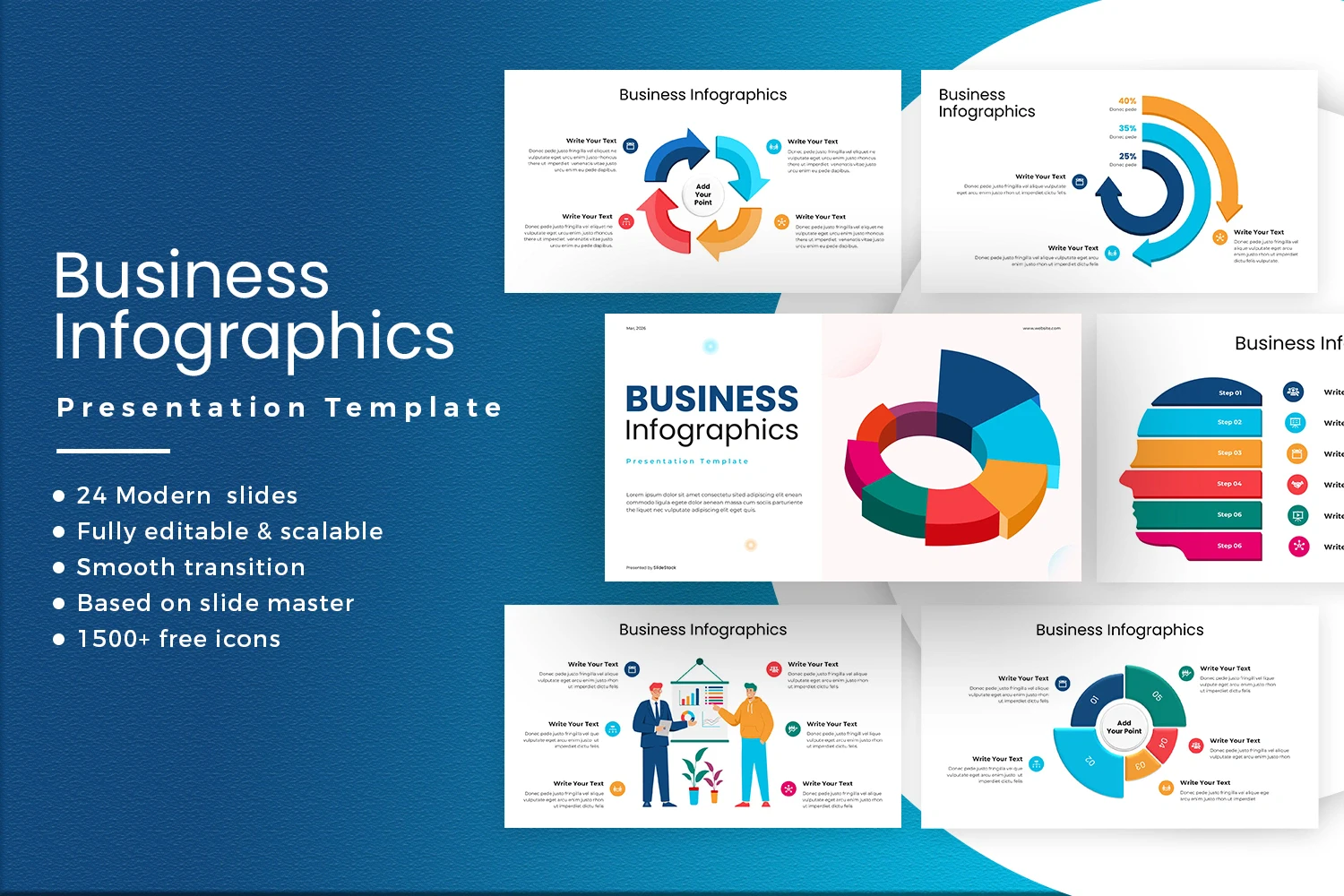
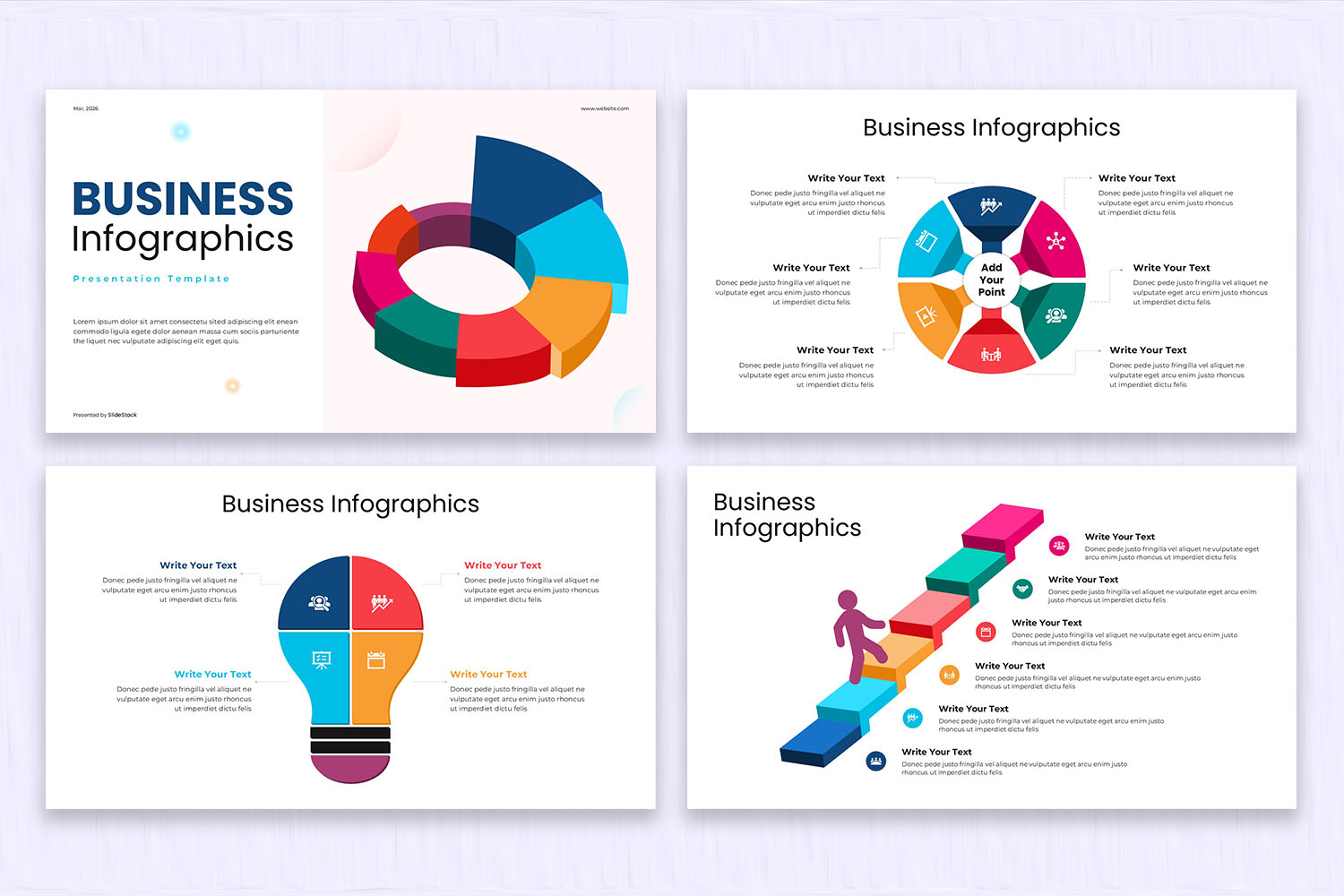
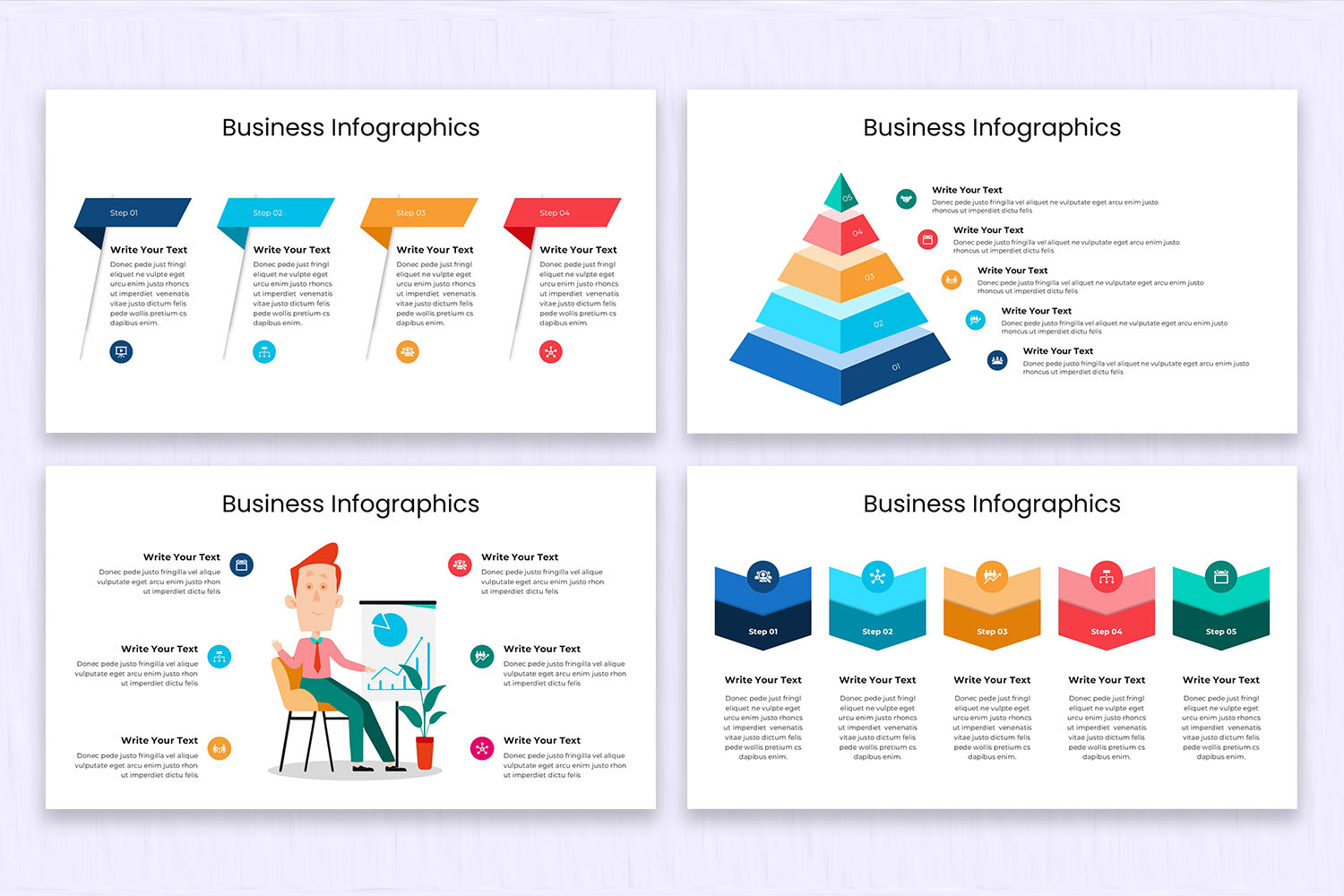
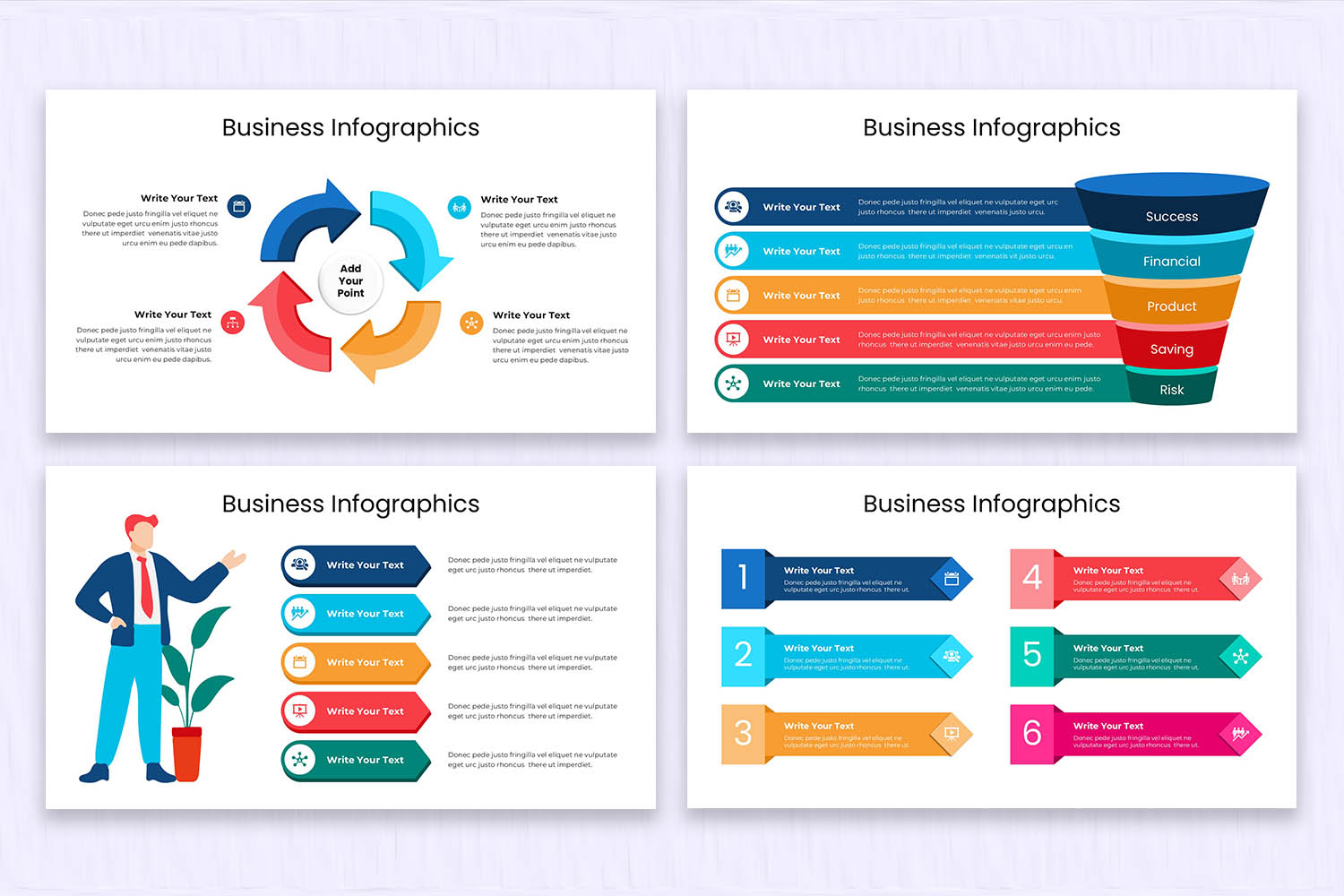
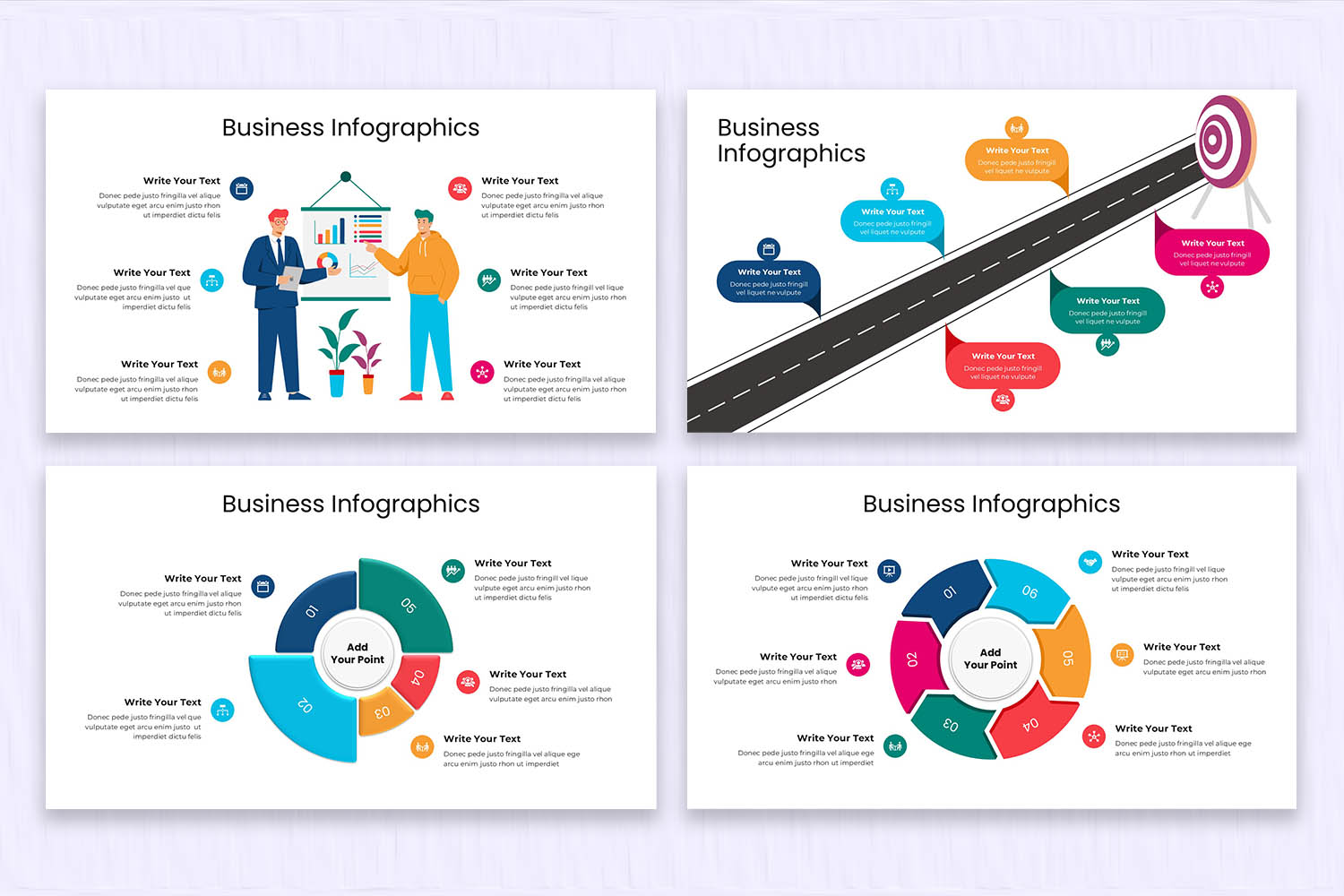
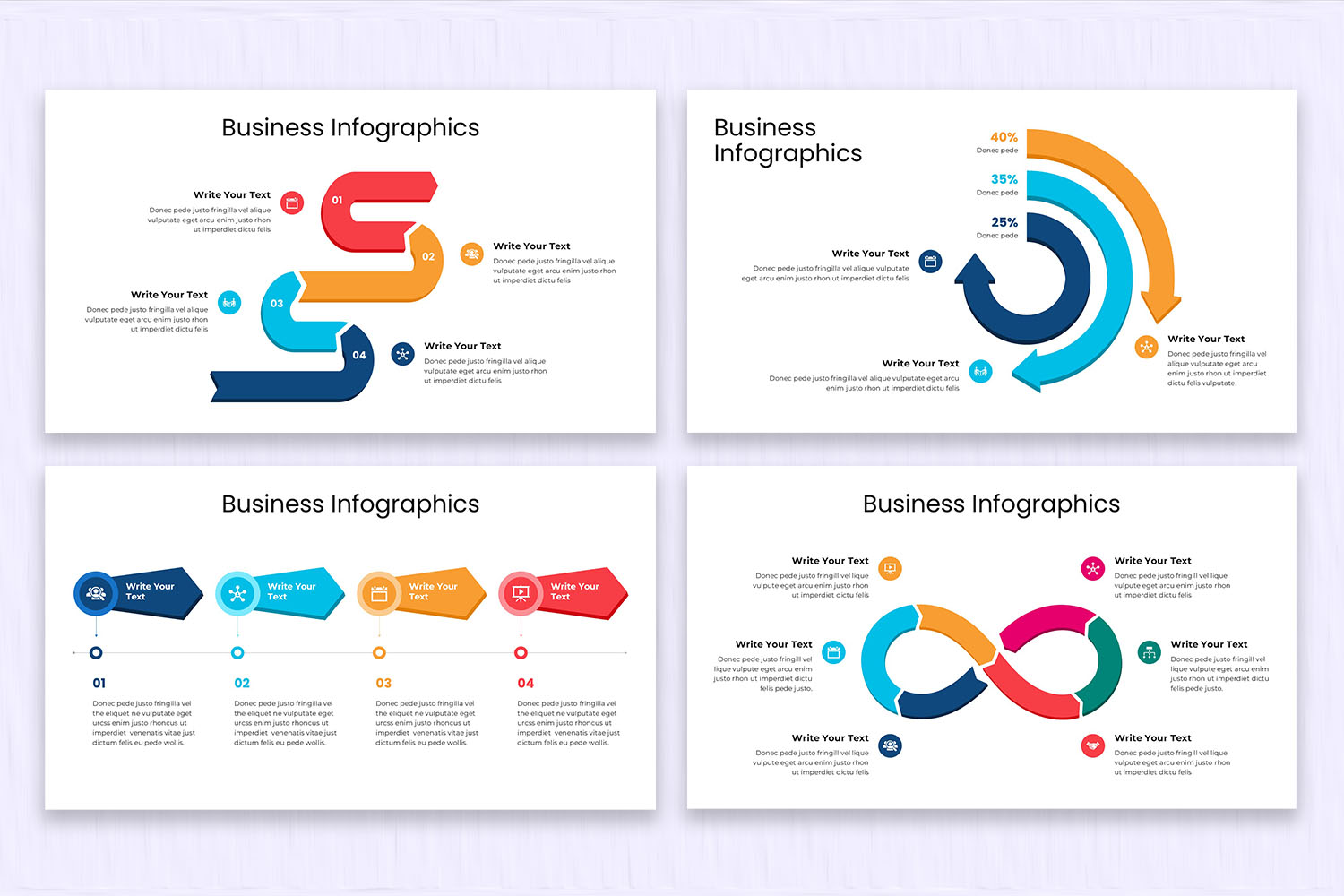
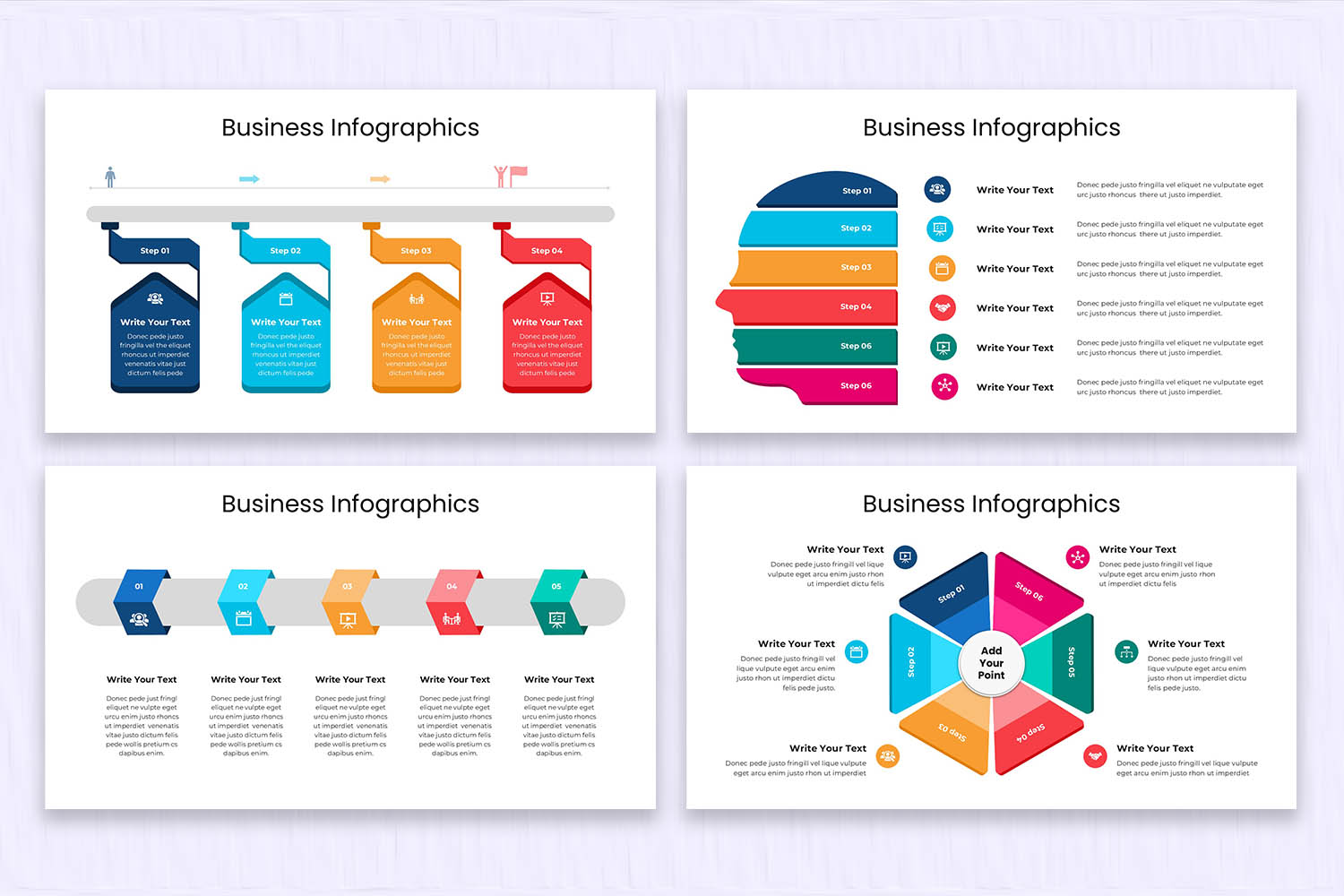
Get a Business Infographics presentation template in PowerPoint, Google Slides, or Caava and simplify your data presentation and comprehension. As much as you may want to plan financial information, compare performance statistics, or just give a visual explanation of business processes, this set of infographic slides can be helpful in a variety of presenting tasks. Using these PowerPoint templates of infographics, you are going to be able to make complex numbers and concepts into simple visual elements that can be more easily followed by your audience. Begin to use infographic slides and enhance the impact of your business or marketing presentations.
Product Features:
- 24 clean, creative, & modern slides.
- 16 x 9 Widescreen (No more broken slides)
- 1920 x 1080 px (Full HD & retina-ready)
- Based on Master Slides
- PPTX and PPT Files (For both the latest and old versions of PowerPoint)
- Editable Google Slides Theme
- 1500+ Icons (750+ vector icons & 750+ font icons)
- Image Placeholders (Drag-and-drop your photo)
- Elements are fully editable in PowerPoint and Google Slides
- Device mockups included
- Data Charts Editable via Excel
- Interactive and Easily Editable Maps
- Easy Editable Colors
- Fast & Friendly Support
If you have any questions or need support about this product, please contact us. We'll help you!
Check out more Infographic Presentation Templates here.
FAQs:
1. What is a Business Infographics Presentation Template?
A Business Infographics Presentation Template is a pre-designed slide deck that uses charts, icons, and visual elements to present business data, strategies, and insights in a clear and engaging way.
2. Why should I use infographics in a business presentation?
Infographics help simplify complex information, highlight key data, and keep your audience engaged throughout the presentation.
3. Do I need design skills to use this template?
No design experience is required. The slides are already designed, so you just need to replace the sample content with your own information.
Product Specs
- Release: Mar 10, 2026
- Last Update: Aug 19, 2026
- Aspect Ratio: Widescreen (16:9)
- Compatibility: Google Slides, PPT, PPTX